
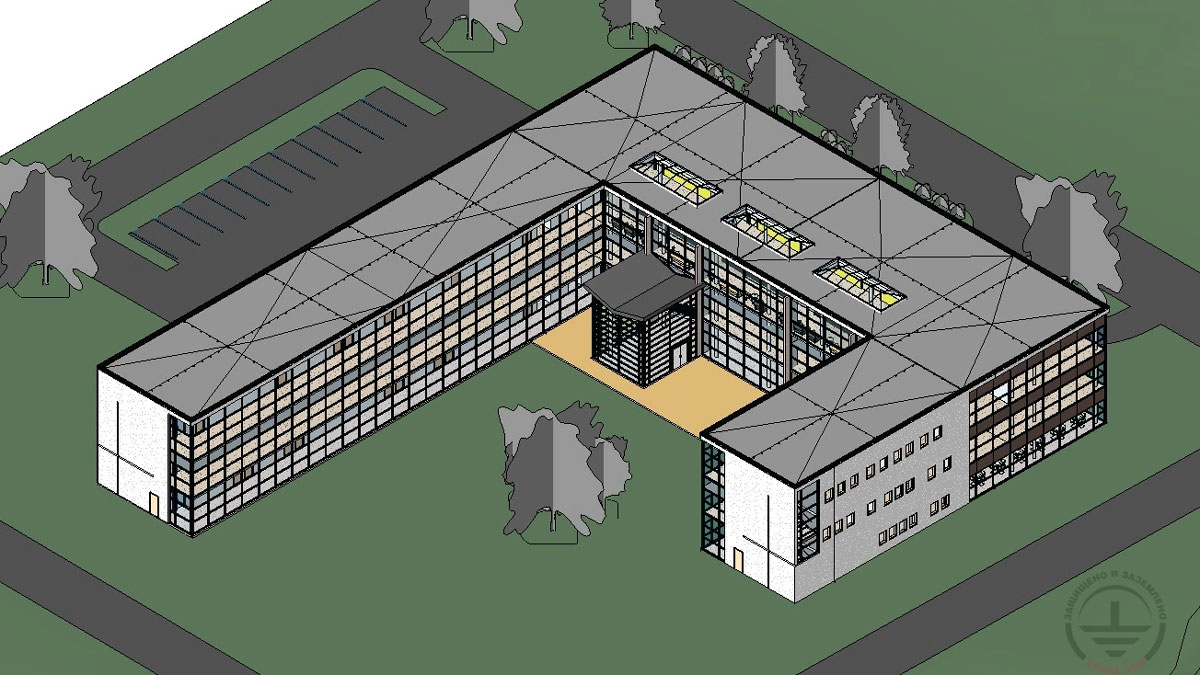
Safety in educational institutions is a complex task where reliable lightning protection and grounding play a critical role. We are pleased to present a new, highly practical resource from our library—a detailed sample project for lightning protection and grounding for a secondary school, created in Autodesk Revit.
This article is more than just theory; it's a step-by-step guide that clearly demonstrates the power and efficiency of BIM (Building Information Modeling) technologies for solving demanding engineering tasks:
✔ A Turnkey Project: We present a complete solution for a standard school building, including all necessary systems: from a lightning protection mesh on the roof to a grounding loop in the soil.
✔ Work in Current Software: The project was created using the specialized ZANDZ plugin for Autodesk Revit.
✔ Key Design Stages:
- Modeling Lightning Protection: Placing and arranging the lightning protection mesh on the building's complex roof.
- Routing Down Conductors: Visual design of current descent paths along the building facades, accounting for architectural features.
- Installing the Grounding System: Creating and placing components for the grounding loop and connecting them to the main system.
✔ Task Automation: A major advantage of BIM is automated output generation. We show how the model automatically generates:
- Drawings and plans (elevations, sections, roof plans).
- Equipment schedules with a complete list of materials.
======
This example will be extremely useful for design engineers, structural designers, BIM managers, and lightning protection specialists who want to:
- Transition their workflow to modern BIM-based design.
- See best practices for using Autodesk Revit for public infrastructure projects.
- Increase the speed, accuracy, and quality of their project documentation.
See the benefits of a comprehensive BIM approach with a real-world case study!
Explore the project details and implement ready-made solutions in your work
Related Articles: